
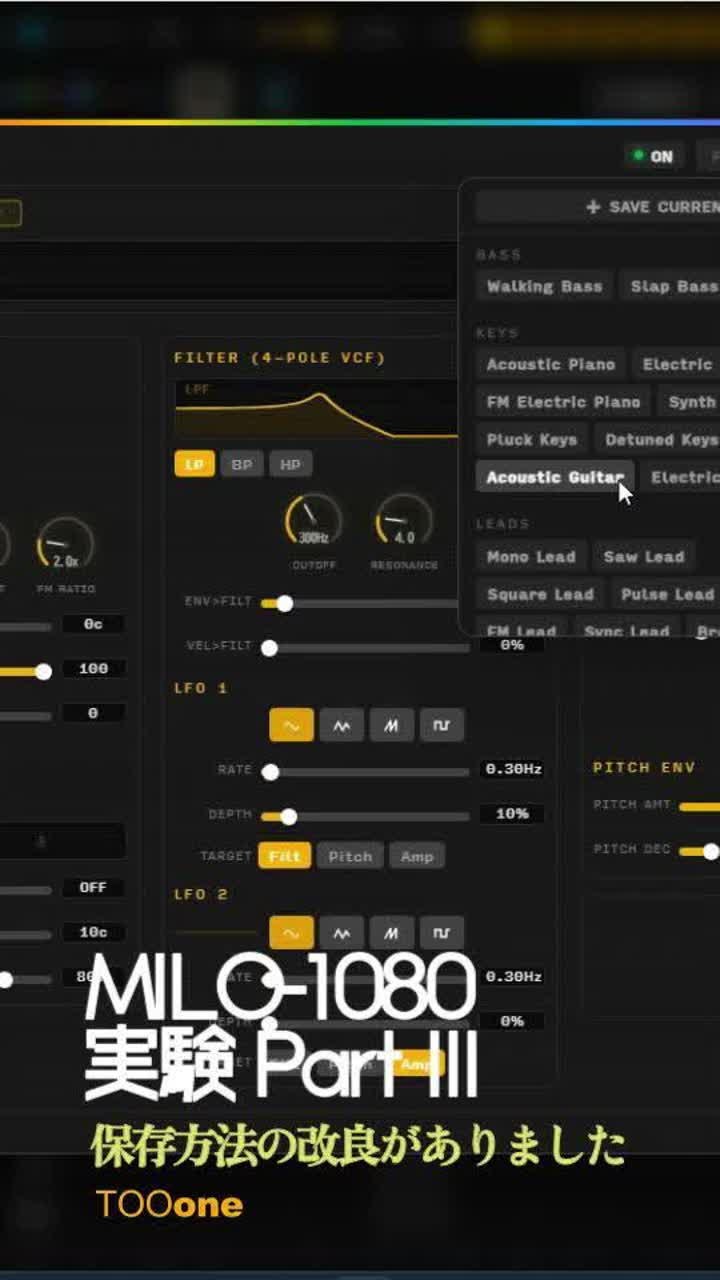
TIPS: MILO-1080の実験 part III : 保存方法の改良がありました
A melodic dark ambient track in Phrygian mode, blending Mbalax’s airy log drum patterns and atmospheric Afrobeat percussion. Sparse, haunting synth pads interweave with subtle marimba and Rhodes textures. Gentle shakers, deep bass, and airy vocal layers create tranquillity and nostalgia.
TIPS: MILO-1080の実験 part III : 保存方法の改良がありました
A melodic dark ambient track in Phrygian mode, blending Mbalax’s airy log drum patterns and atmospheric Afrobeat percussion. Sparse, haunting synth pads interweave with subtle marimba and Rhodes textures. Gentle shakers, deep bass, and airy vocal layers create tranquillity and nostalgia.
Lyrics
TIPS: MILO-1080の実験 part III
保存方法の改良がありました
-------------------------------
保存方法の改良があり、作成したデータを自分のWORKSPACEに
EXPORTできるようになりました。
MILO-1080の実験 part IIで解説した時点では
データをFILE保存・WAVでのダウンロードの2つでしたが
EXPORTというコマンドがせきました。
これによって、WAV出力できない無課金の方も
自分のWORK SPACEに保存して,
COVER、EXTENDなどのREMIXが可能になりました。
この曲は、MILO1080で8小節分つくって
WORK SPACEに保存、
EXTENDコマンドで続くパートを生成、
MILO1080生成部分とつなぎました。
シーケンサーのドシソー ドソドドーっていうメロディが
おおげさな曲になっていきます。
-------------------------------
TIPS: MILO-1080 Experiment Part III
Improved Saving Workflow
-------------------------------
They’ve updated the saving method.
Now you can export your created data directly into your Creative Folder.
Back when I explained things in MILO-1080 Experiment Part II,
you only had two options: saving as a file, or downloading as WAV.
But now there’s a new command: EXPORT.
Thanks to this, even users on the free plan who can’t output WAV files
can still save their work into their own workspace,
and use it for remixes like COVER or EXTEND.
For this track, I made an 8-bar loop in MILO-1080,
saved it to the workspace,
then used the EXTEND command to generate the following section,
and stitched it together with the original MILO-1080 part.
That simple sequencer melody—
do–shi–so, do–so–do–do—
gradually turns into something way more dramatic.